

- The different kinds of access to check
- Start with a walk-through of the home
- Here is a handover planner
- What to do before you move out
- What to check when you move in
- If you are renting
- If a device is still registered to someone else
- Your digital handover checklist
- Common questions about smart home handovers
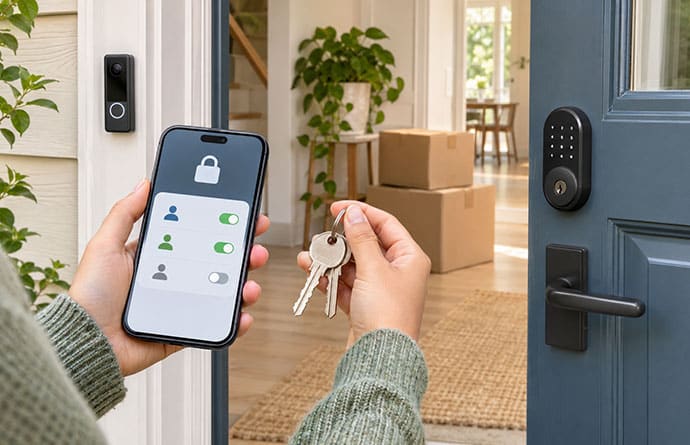
When you move into a new home, you would expect a previous resident to hand over every door key.
But have you considered who else can open that door through an app, and who still knows a working keypad code?
The doorbell, garage opener, thermostat, and home network may each have their own accounts and permissions.
A previous resident can still have access when relevant permissions or entry codes remain active, although whether that applies depends on the device and its setup.
Google, for example, says existing Nest × Yale Lock passcodes still work after the lock is removed from an account. Clearing those codes requires the appropriate reset.
These days, when moving home, both households need to do a digital handover.
The person moving out needs to remove their access and personal information through the supported process.
The person moving in needs to establish their own control and check that the equipment works as intended.
The different kinds of access to check
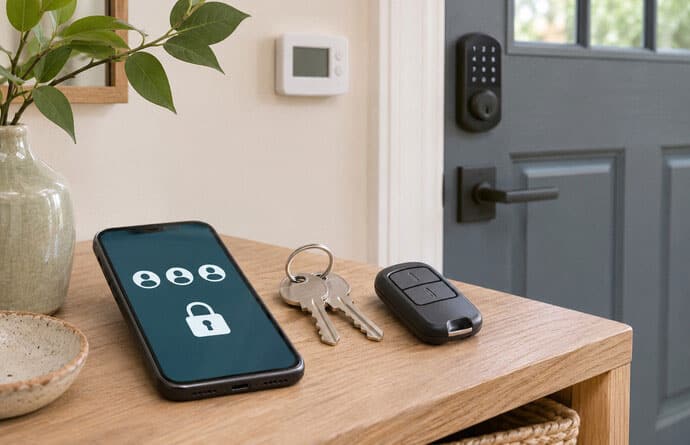
For each device, you need to know:
- Who owns or manages its account?
- Who has shared access?
- Which codes, remotes, or digital keys operate it?
- Which other apps or home platforms are connected?
Ring says uninstalling a device, deleting its app, or canceling a subscription does not release ownership. Its supported removal or transfer process handles that.
Apple also warns that removing someone from Apple Home can leave permissions they hold through a separate accessory app.
It is important to follow the manufacturer’s instructions for the exact model and verify account removal, access-code changes, factory resets, and subscription management.
How Much do Movers Cost?
As Featured On:

Start with a walk-through of the home

Before moving day, agree which connected devices will remain. Walk through the property together if possible, including the garage, exterior doors, utility areas, and any equipment cupboard.
Record each device’s location, brand, model, the app used to manage it, and the person responsible for the handover.
Ask for manuals, setup instructions, and installation details. The FTC recommends making an inventory of smart devices and leaving the relevant manuals for the incoming owners.
Do not reveal your personal account passwords in the shared inventory.
A product’s pairing code or setup label can be part of its documentation, but the seller’s personal email or account password should remain private, as should setup codes.
Here is a handover planner
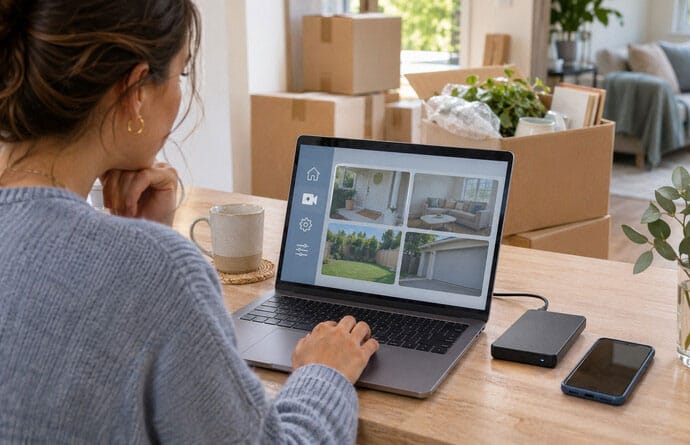
Doorbells and cameras
Outgoing resident: Preserve wanted recordings and follow the ownership and data-removal procedure.
Incoming resident: Set up your own account and review viewing permissions and recording settings.
Smart locks
Outgoing resident: Address account links, digital keys, and programmed codes using the model’s instructions.
Incoming resident: Create your intended access and test it while another way in remains available.
Garage controls
Outgoing resident: Include app accounts, remotes, keypads, and car-integrated controls in the handover.
Incoming resident: Program the controls you will use and verify which previous access was cleared.
Thermostats
Outgoing resident: Preserve necessary system settings before the prescribed unlinking or reset.
Incoming resident: Confirm account control and normal heating or cooling operation.
Routers and home hubs
Outgoing resident: Resolve ownership, administrators, linked services, and equipment that must be returned.
Incoming resident: Establish your management access and configure the network for your household.
Monitored or building systems
Outgoing resident: Arrange the handover with the responsible provider or property manager.
Incoming resident: Confirm your access, contact information, and service arrangements.
What to do before you move out
Agree when the handover will happen
Choose a time when the outgoing resident can complete account actions and the incoming resident can finish setup.
Do this while any required power and internet connection are still available.
Google’s moving guidance provides different procedures for devices being taken along and devices being left for the next resident.
For locks and garage doors, keep a working entry method available until the new setup has been tested.
If an alarm or building system is managed by someone else, arrange the change with that person or company.
Save information before removing accounts
Check what will happen to recordings and settings before you press Remove or Reset.
Google says removing a Nest camera deletes its recorded video history. Ring distinguishes deactivation, which can preserve access to older recordings, from deletion.
Save any footage you need before taking an action that removes it.
For thermostats, preserve the information needed to restore the correct configuration.
Record the wiring setup and relevant heating and safety settings before a reset. Use the instructions for the model and involve the installer if you are unsure about the configuration.
Release the device and check related services
Complete the manufacturer’s transfer, unlinking, or reset process in the specified order.
Review other home platforms connected to the device so that the account handover covers the whole setup.
Check subscriptions separately. Ring states that transferring a device does not cancel its subscription. Eero says its subscriptions do not move with network ownership.
Confirm the arrangements for any monitoring service with its provider.
There are certain items that you should and should not leave when moving out. Our guide to what to leave when moving out explains more.
What to check when you move in
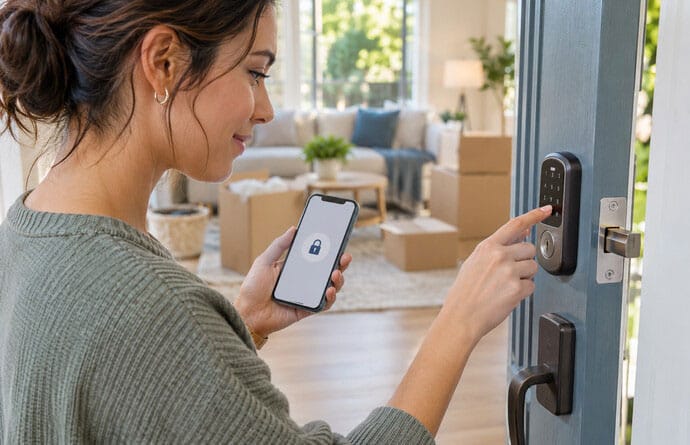
Establish control through your own accounts
For equipment you own, use the supported ownership-transfer or new-owner setup process.
For landlord-managed equipment, confirm the account role and permissions you are supposed to receive.
Check that the agreed access works and that the previous resident’s access has been addressed.
Review the people who can control devices in both the main home platform and the manufacturer’s app. Check each set of permissions as part of the handover.
Check entry codes and physical controls
Include every entry method in your checks: keypad codes, app access, remotes, and compatible controls built into a car.
Follow the exact lock or opener instructions to clear previous access and establish your own.
Schlage says a factory reset of an Encode lock clears programmed codes and virtual keys. It advises locating the default programming and access codes before starting. Set up your intended access afterward and test it with the door open before relying on it.
For garage equipment, identify the model before resetting it.
MyQ warns that factory-resetting a Wi-Fi garage opener removes remotes, wireless keypads, HomeLink programming, and myQ accessories; these need to be programmed again. Its instructions differ for other hardware.
Be sure to check out our moving day checklist so that nothing gets overlooked.
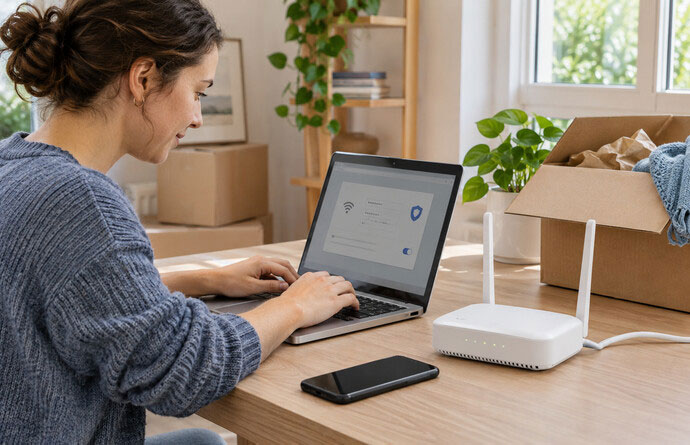
Set up the home network for your household
If networking equipment stays, establish who controls its settings.
Depending on the system, that may involve an administrator login, an app account, or your internet provider.
The FTC distinguishes the password used to join Wi-Fi from the administrator password used to change router settings.
Set fresh Wi-Fi credentials and review network administrators.
Eero provides a useful example of why both matter: transferring network ownership removes the former owner’s management access but keeps the existing network name and password.
Plan to reconnect your devices after network changes. Coordinate provider-managed equipment with the provider and check for software updates as part of setup.
Check each device works as intended
Work through the inventory once more.
Test each device from your own account, review its users and settings, and confirm that the intended controls work.
Check the manufacturer’s confirmation of any release or transfer, and record any unfinished task with a named person and next action.
A device icon remaining in the outgoing resident’s app is not conclusive evidence of continuing access. Ring says transferred devices can remain visible there in a deactivated state, so check the actual ownership and control status.
Keep the completed device inventory, manuals, and support contacts with your household records.
Store passwords and entry codes securely and separately from documents you might forward to an agent or contractor.
If you are renting
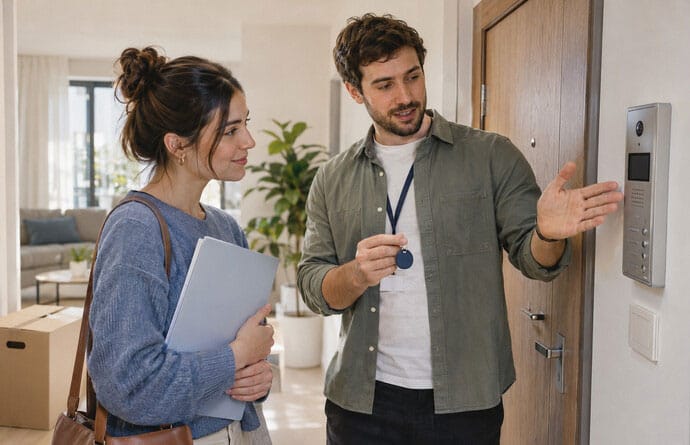
Ask the landlord or property manager which devices you control and which they manage.
Clarify who will remove the previous tenant’s access, issue your credentials, and deal with any equipment still linked to an old account.
Coordinate changes to shared entrance systems, managed locks, and monitored alarms with the responsible party.
Request a clear explanation of access permissions and the agreed handover steps.
See our Tenant Move-out checklist for a detailed list of things to check when moving out of a rental.
If a device is still registered to someone else
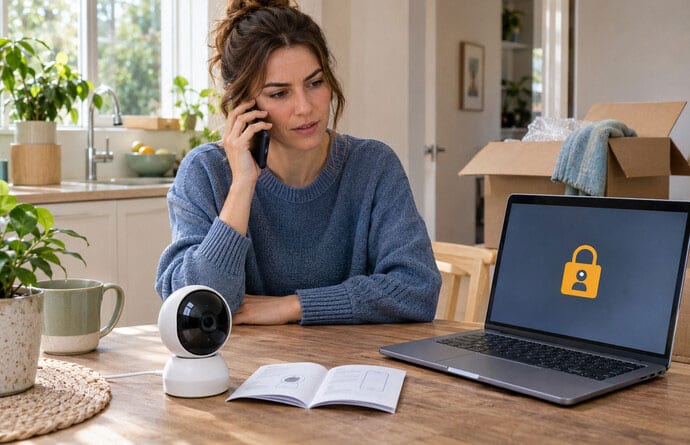
Identify its model, note the exact message, and contact the seller, agent, landlord, or manufacturer as appropriate.
Use the official ownership-release process.
Ring, for example, provides a way to request ownership when the previous owner is unavailable, with procedures that differ by device type.
Keep the issue on the handover list until it is resolved.
Before relying on a connected security device, confirm that you have the intended control and arrange a working alternative if necessary.
Your digital handover checklist
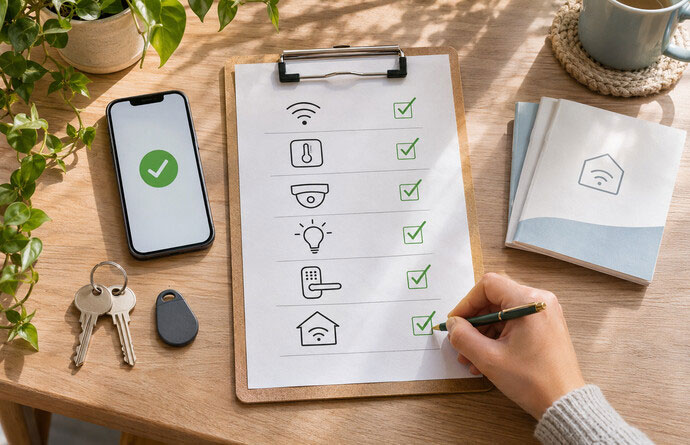
- Agree which connected devices are staying.
- Record each model, management app, and responsible person.
- Find the current manufacturer instructions.
- Preserve recordings and configuration information where needed.
- Complete ownership, shared-access, code, and reset steps for each device.
- Review network credentials, administrators, and linked home platforms.
- Confirm subscription and monitoring arrangements separately.
- Test the incoming resident’s access and record any unresolved tasks.
Add these tasks to your moving checklist before the handover date. Knowing who will handle each device makes it easier to resolve questions while everyone is still available.
Common questions about smart home handovers

Does changing the network password complete the handover
Changing the Wi-Fi password is only one part of the handover. Review account ownership, shared permissions, and entry codes separately, using the manufacturer’s instructions for each device. A new network password does not establish that those other arrangements have changed.
Does a factory reset transfer device ownership
The answer depends on the product. Some devices require account removal or a separate transfer process as part of the handover. Follow the instructions for the exact model and verify successful setup under the incoming resident’s account.
Should the seller give me their account password?
Ask for the supported device transfer and the product’s setup documentation. Use your own personal accounts. Receiving a pairing code or product manual is different from taking over someone’s email, Apple, Google, or other personal login.
Can I view recordings from before the handover?
Do not assume old footage transfers with the camera. Ring says its deactivation process lets the new owner set up the device without access to the former owner’s videos. Recording retention and deletion depend on the manufacturer and the action taken.
Check out 20 other things to do before moving.
Good luck with your move, and be sure to visit our home moving blog, which is packed with guides to make every aspect of your move easier, cheaper, and safer.
Also Read

Office Moving Checklist: How to Plan the Perfect Office Move
Moving to a new office can be a serious task for a business - an office relocation job that often proves to be... Read More

Boston Moving Guide – Info and Advice
History, culture, green open spaces, and a thriving economy await you in Boston Boston is one of the most... Read More
10 Hot Tips for Moving in the Summer
It’s no secret that summer is the most popular season to move house – the weather is usually nice (warm and dry),... Read More
More about the author

Joshua is a moving expert and author who dedicates his time to helping people move quickly and safely. Writes for MoveAdvisor, formerly MyMovingReviews.com.

Martin is a moving expert and online marketer who’s been involved in the moving industry since 2004. Writes for MoveAdvisor, formerly MyMovingReviews.com.
Posted on
Discussion 0 comments
Leave a comment